Apex Lag Checks: Separate Frame Rate, Ping and Packet Loss
Stutter, delayed response and packet loss can feel similar during a fight. Read the available performance information and follow a small diagnostic sequence before changing unrelated game settings.
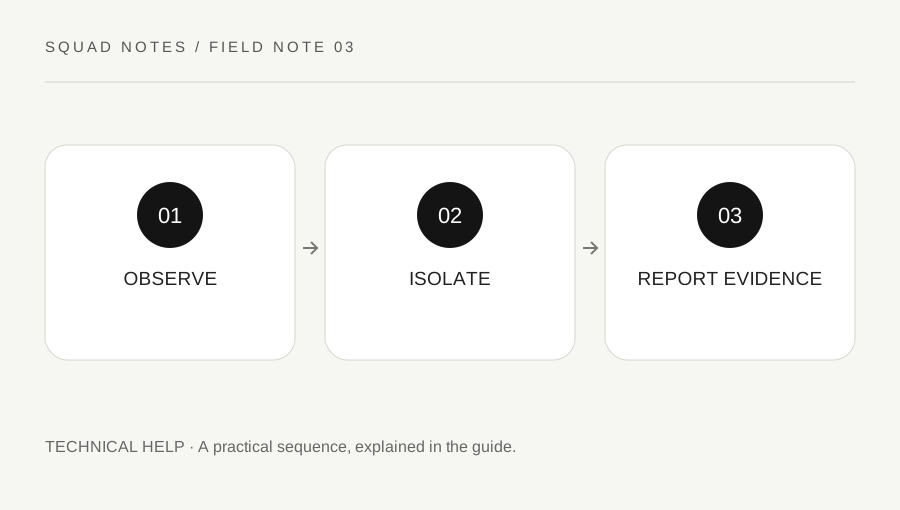
Original explanatory diagram. Examples illustrate a method or decision; they are not claims of personal testing.
Name the symptom and the context
Write what happened: the image froze, other players moved abruptly, an action appeared delayed or the application disconnected. Include the approximate time, platform and whether the problem occurred in every session or only one match. A precise description is more useful than the single word lag.
Frame rate concerns rendering performance. Ping reflects network round-trip delay, and packet loss concerns data that did not arrive as expected. These are related to the experience but are not interchangeable measurements. A smooth frame counter does not prove the connection is healthy, and a low ping does not guarantee that the device is rendering smoothly.
EA's current troubleshooting guide explains the in-game Performance Display and the available data-center checks. Use the current instructions rather than an old screenshot with potentially changed menu labels.
Collect a small baseline
Enable the supported performance display and observe it in a suitable low-pressure context. Record the values and visible symptoms together. Avoid staring at counters during a fight when it disrupts play; a brief recording or post-session note may help if your setup supports it.
Check whether other devices or downloads are heavily using the connection. Test one reasonable environmental change, such as pausing your own large download, rather than changing several router and game options simultaneously. Follow EA's official troubleshooting sequence and your network provider's instructions where relevant.
Do not publish account information, network credentials or a full diagnostic file without reviewing it. Ordinary support evidence usually needs a symptom, platform, timing and relevant performance data, not your password or authentication codes. Use official support routes when a problem persists.
Keep local performance and network tests separate
If frame drops occur while ping and packet-loss readings remain stable, inspect the device and graphics side using EA's platform-appropriate guidance. If rendering remains smooth but ping or packet loss rises with the symptom, investigate the connection side. These patterns suggest a direction; they do not establish a complete diagnosis from one short observation.
For a worked example, a player notices rubber-banding alongside packet-loss spikes while a household upload is running. They pause that upload and compare another suitable session, keeping other settings unchanged. Improvement supports further investigation of network load, but it does not prove that every future problem has the same cause.
Avoid changing sensitivity to compensate for delayed or inconsistent updates. That changes an input preference while leaving the technical condition unresolved and may make the setup harder to use when performance returns to normal.
Escalate with a concise record
Check official service information when an issue appears widespread, and avoid reinstalling repeatedly without evidence that local files are the cause. A service-side problem may require waiting for the provider rather than making increasingly disruptive changes to a working device.
When contacting support, summarize the symptom, platform, approximate timestamps, relevant readings and steps already tried. State which change affected the result and which did not. Do not claim a permanent fix after one clean match; network conditions and server load can vary.
Finish by restoring experimental settings that did not help and retaining only changes you understand. A useful diagnostic process narrows the problem while preserving a stable baseline. The goal is making the next support or troubleshooting step better informed, not cycling through every popular online fix until the original condition becomes impossible to reconstruct.
A practical checklist
Choices are saved in this browser. Reset them here or clear this site’s browser storage.
Questions that come up
Does low ping guarantee smooth play?
No. Rendering performance, packet loss and other conditions can still affect the experience. Keep the measurements separate.
Should I reinstall first?
Follow official troubleshooting and the evidence. Reinstallation is not a universal first step for every network or service issue.
Can the website diagnose my connection?
No. This is an observation framework linking official guidance. It does not test your network or access game telemetry.
References & scope
Background references checked on 18 October 2026. Worked examples and diagrams are original teaching material.